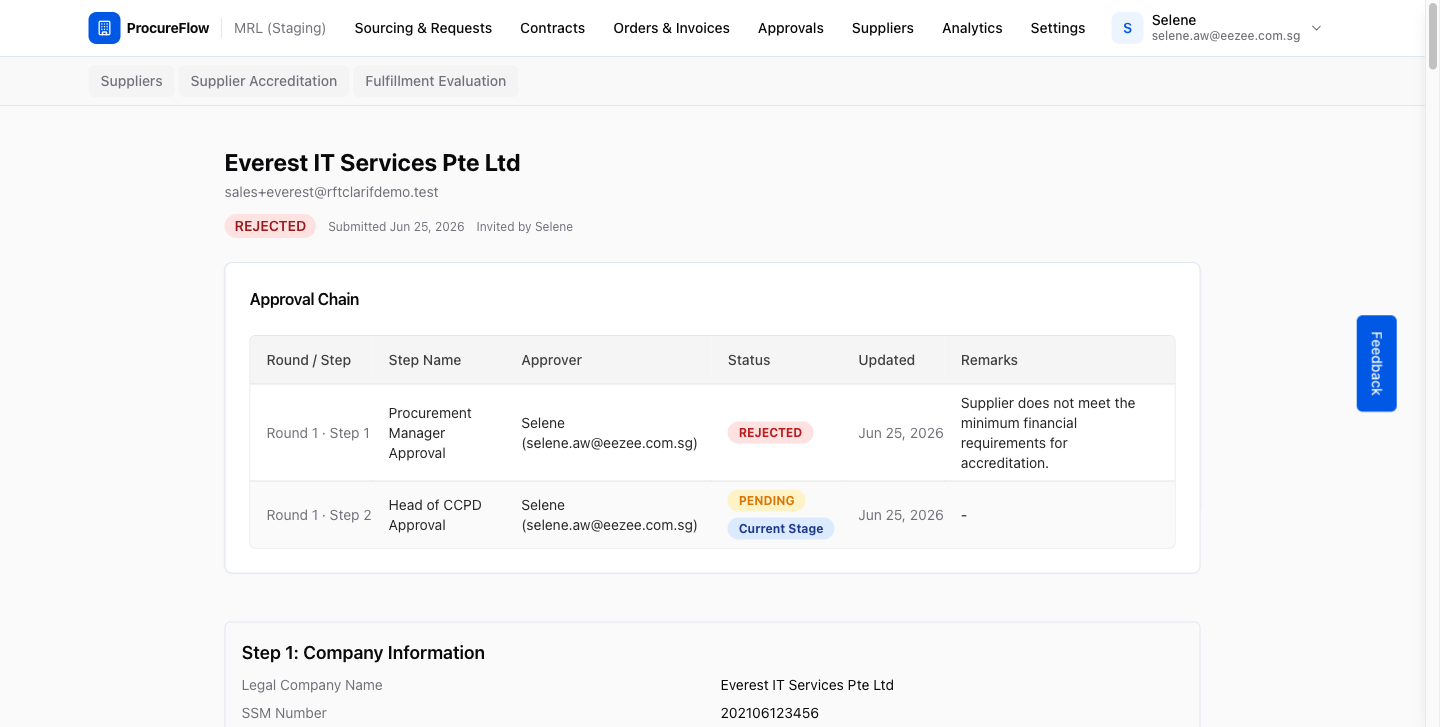
Approve a Submission
Review a supplier's accreditation and approve or reject the buyer's recommendation.
Last updated 12 October 2026
Who can use this?
Available to HOD / Admin (assigned approvers). You will only see accreditations in your inbox when you are the designated approver for that workflow step.
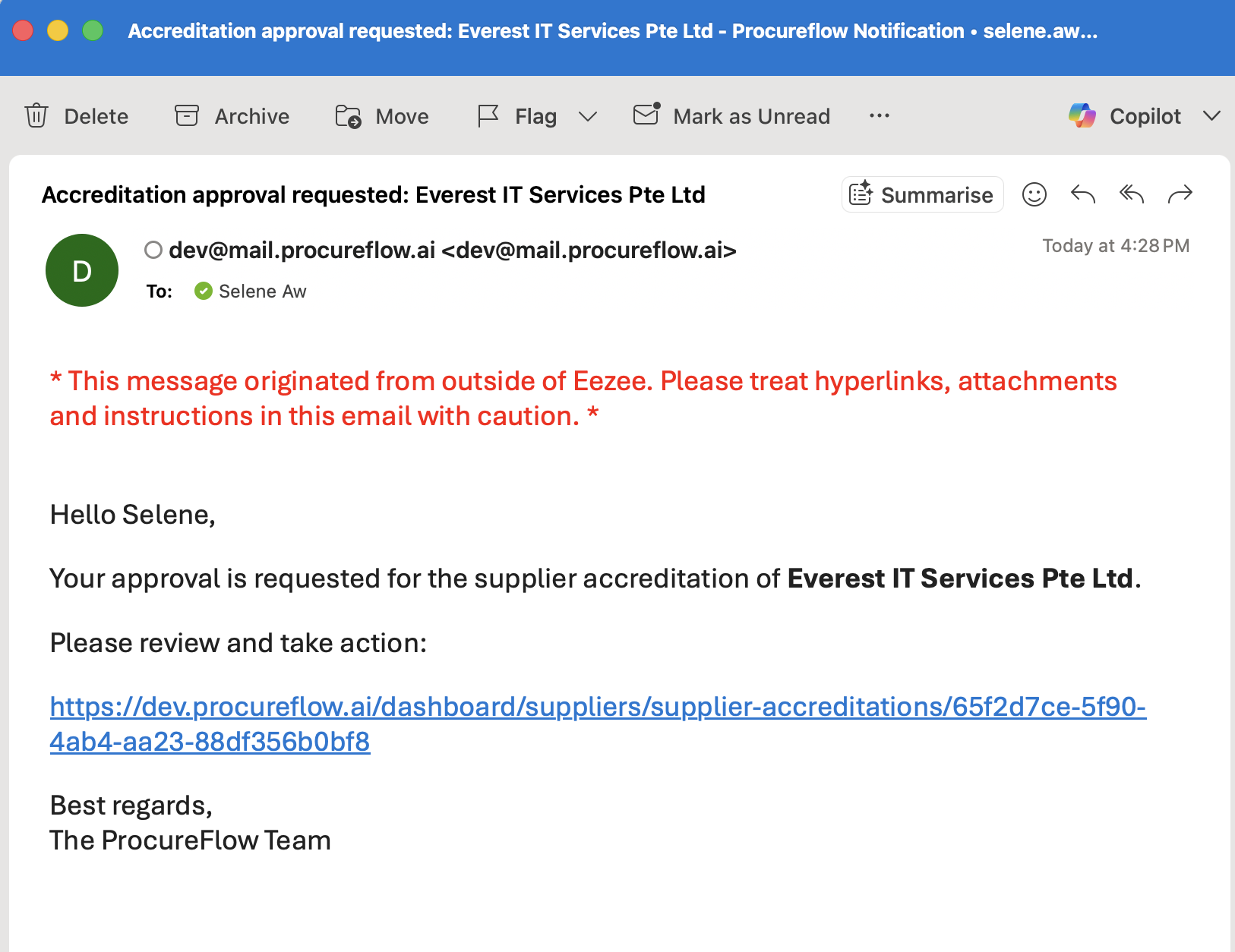
Click the link in your approval email
When an accreditation is ready for your review, ProcureFlow sends you an email notification.
Click the link in the email to open the accreditation directly in your browser and proceed with your approval decision.
Open the accreditation for review
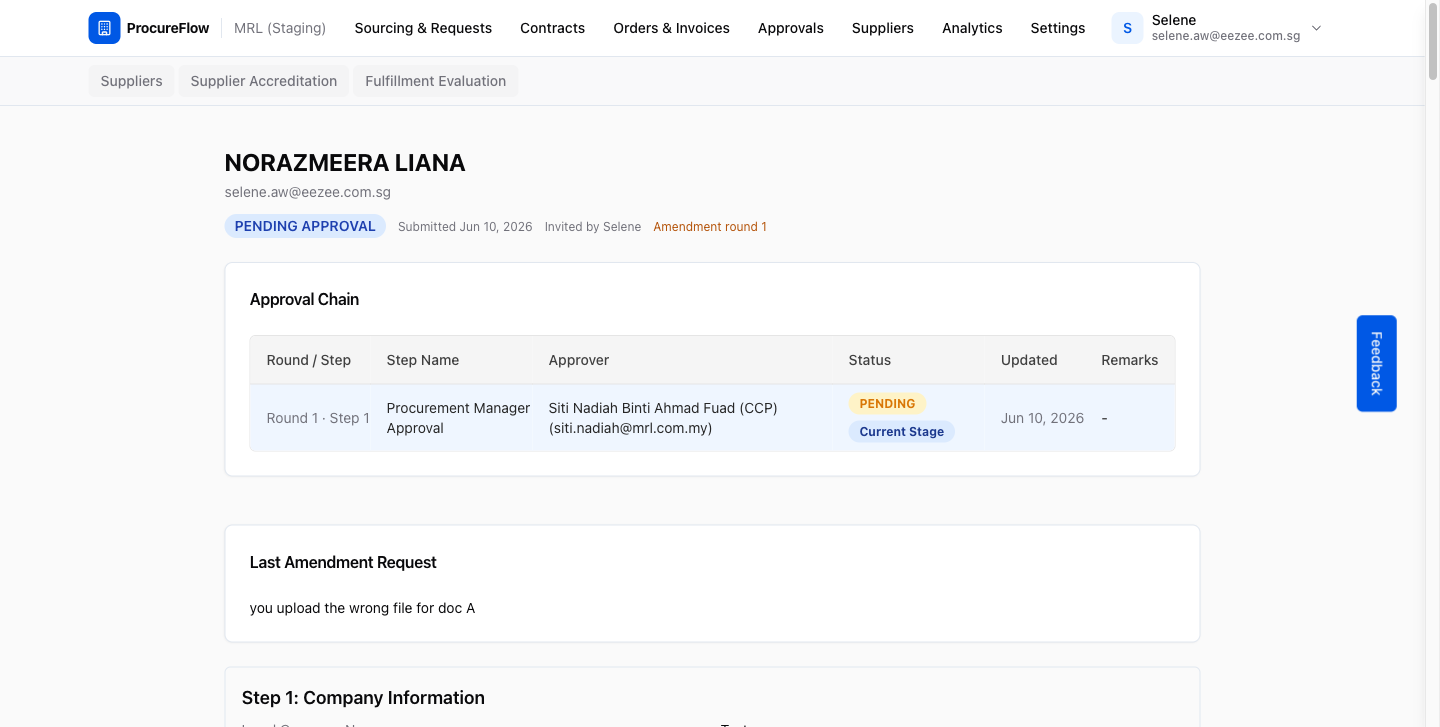
Clicking the link in the email opens your own approval page for this accreditation.
The page shows:
- The Approval Path, with the buyer's recommendation and your stage in the flow.
- The Buyer recommendation in the page header, with the Approve Recommendation and Reject Recommendation buttons when it is your turn.
- All sections submitted by the supplier, including the MACC Screening results.
Review the supplier's submission
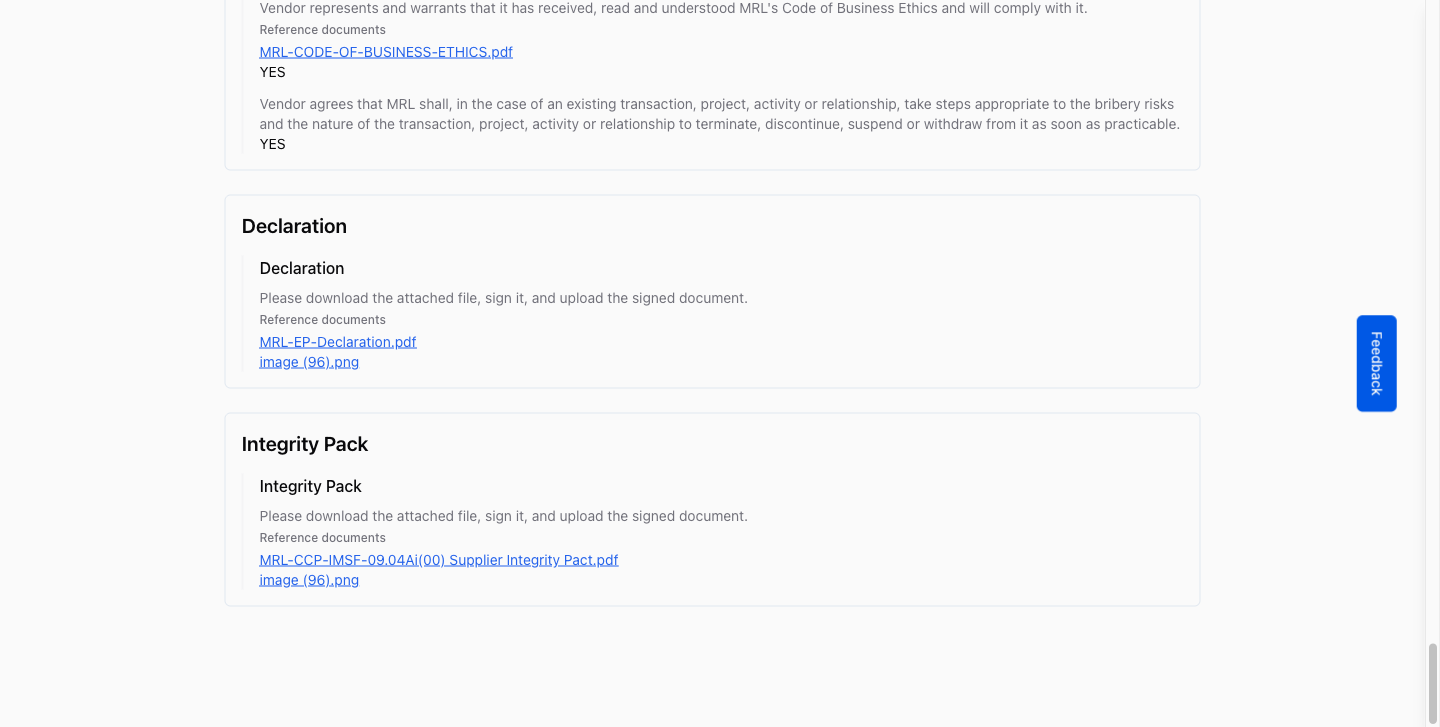
Scroll through the full accreditation:
- Company Information
- Directors
- Documents
- Banking
- Contacts
- Any custom questionnaire sections
Verify that all required information is accurate and complete before making your decision.
Approve or reject the recommendation
The buyer has recommended either approving or rejecting this supplier. Their recommendation shows beside Buyer recommendation in the page header. Click See details to jump to the buyer's card in the Approval Path, which shows who recommended it, when, and their remarks:
- Approve Recommendation: You confirm the buyer's recommendation. There is no confirmation dialog.
- Reject Recommendation: Opens a dialog for your reason, which is required. The accreditation goes back to the buyer, and the supplier is not contacted.
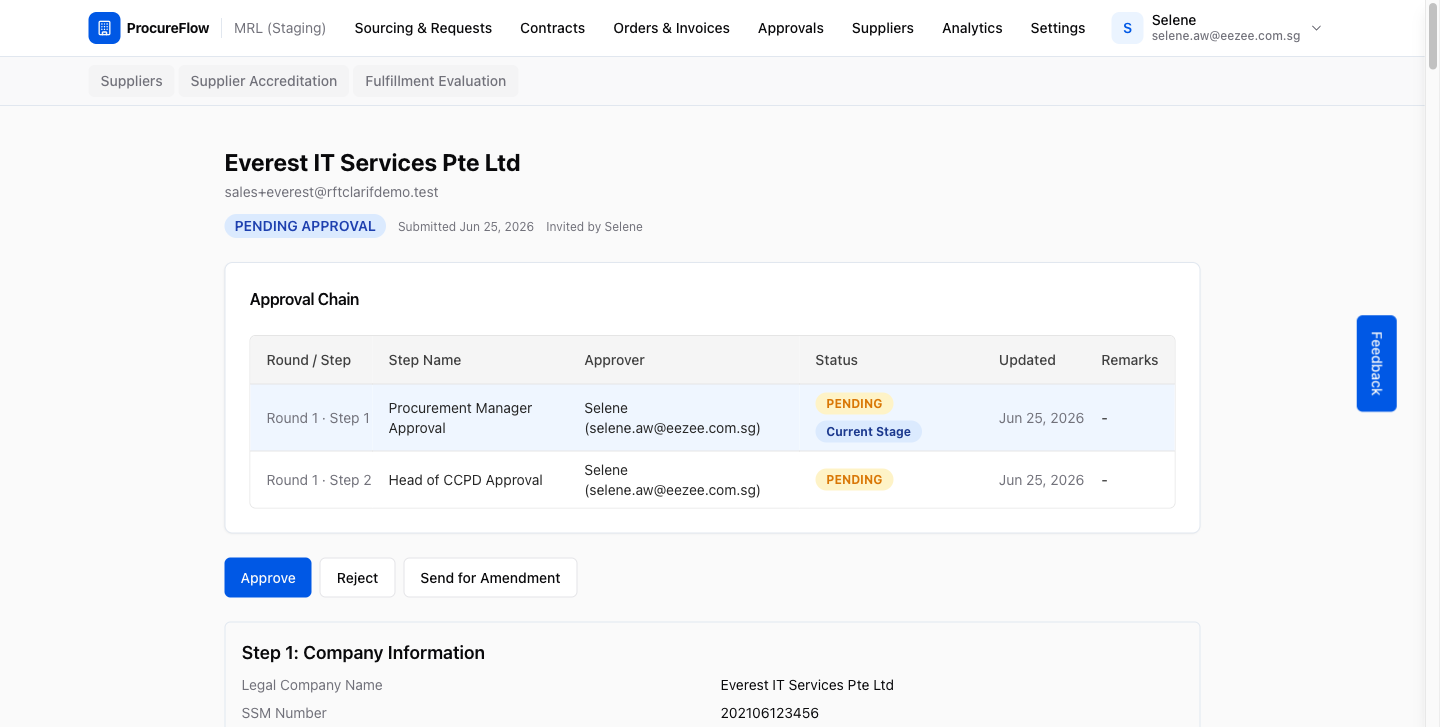
After you approve the recommendation
Once you click Approve Recommendation, one of two things happens depending on where you sit in the approval path:
- More stages to follow: The next stage's approvers are emailed. The status stays Pending Approval until every stage confirms the recommendation.
- You are the last stage: The buyer's recommendation becomes the outcome. A recommendation to approve makes the accreditation Approved; a recommendation to reject makes it Rejected. The buyer who owns the accreditation is emailed either way.
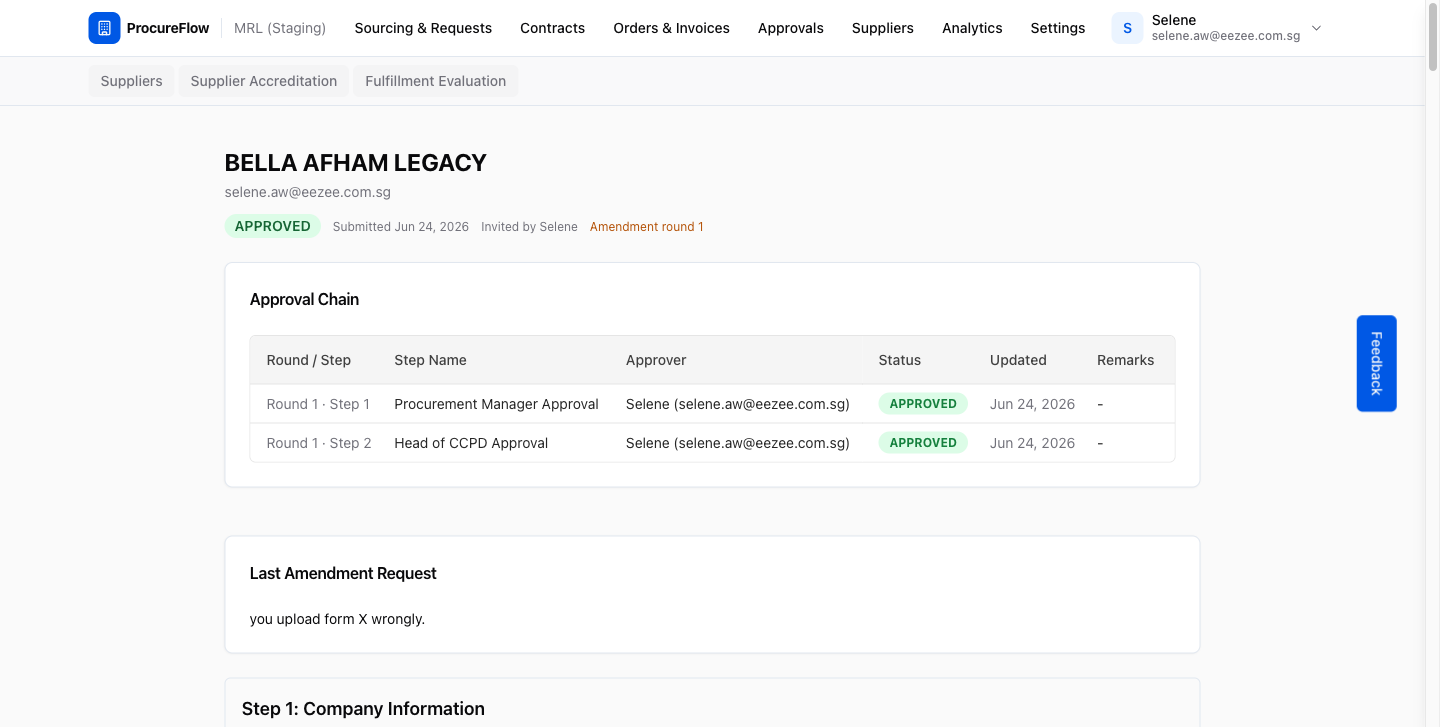
After you reject the recommendation
Clicking Reject Recommendation sends the accreditation back to the buyer. As a result:
- The status changes to Pending Verification.
- Any remaining stage in this round is cancelled.
- The buyer is emailed with your reason, and can re-verify and send it for approval again, or return the accreditation to the supplier for amendment.
No further action is required from you unless the buyer sends it again.